
Heading: Welcome! Come in and stay awhile! Natalie Mohr
Hello. I'm glad you're here.
I’m Natalie Mohr, an Instructional Designer and E-Learning Developer who’s passionate about creating engaging, interactive learning experiences that make an impact.
My background is in education and training, and whether I’m teaching, designing e-learning, or presenting at a conference, my focus is always on engaging my audience and making learning meaningful. I specialize in integrating AI into Storyline 360, developing immersive scenario-based training, and bringing learning to life through multimedia and interactive storytelling.
In Fall 2025, I began my PhD in Instructional Leadership with a concentration in Instructional Technology, where I’ll continue exploring how AI can enhance instructional design and enhance critical thinking.





What Makes My Work Unique?
AI-Enhanced Learning & Multimedia
I integrate tools like ChatGPT and Synthesia.io into e-learning to create interactive simulations, intelligent tutors, and polished AI videos with natural-sounding narration.
Scenario-Based Training
I design immersive simulations and branching scenarios that help learners practice real-world decision-making.
Multimedia & Animation
I use Storyline 360, Vyond, Create Studio, and Adobe Creative Suite to create engaging, visually appealing content.
JavaScript Integration
I regularly use JavaScript to add advanced interactivity to my Storyline projects—like dynamic scoring, timed events, and AI chatbot integrations.
Bilingual E-learning
As a fluent Spanish speaker and former Spanish teacher, I can design bilingual learning solutions for a broader audience
A Touch of Humor
You’ll notice that, when appropriate, I love to infuse humor into my projects—because learning should be engaging, not boring.
Handling Customer Service Complaints with ChatGPT Integration
Revolutionizing Scenario-Based Learning with AI-Driven Conversations
How can scenario-based learning be more engaging and effective? Imagine an interactive experience where learners practice handling customer complaints in real time, receiving immediate AI-driven feedback.
This AI-powered learning activity is a supporting activity in a course on Handling Customer Complaints. Learners engage with simulated angry customers, respond using best practices they have learned, and receive instant feedback from ChatGPT, which evaluates their responses against four key customer service components. Each interaction provides a unique, dynamic experience, allowing learners to refine their approach with every attempt.
Target Audience: Sales associates at a retail department store
Module Objective: Learners will compose written responses to customer complaints that include four criteria as measured by a 4-point performance rubric with a minimum proficiency score of 3 in each category.
Key Features and Innovations
Conversational AI Integration: Learners engage with realistic AI-driven customers, improving decision-making and communication skills.
Real-Time Feedback and Adaptive Responses: ChatGPT analyzes learner input and provides constructive feedback tailored to lesson objectives.
Scenario Variability: Each attempt generates a new customer response, reinforcing problem-solving and adaptability.
Secure AI Implementation: A custom-built backend server protects the ChatGPT API key, ensuring safe deployment.
Visual Engagement: Synthesia.io-generated avatars bring customer interactions to life for a more immersive experience.
JavaScript Integration with Storyline 360 – Seamlessly connecting Storyline’s user interactions with ChatGPT to deliver AI-driven responses directly in the course.
Skills Demonstrated
Advanced Prompt Engineering: Extensive testing and refinement of AI prompts to ensure responses align with training objectives.
AI-Powered Learning Design: Leveraging generative AI to create interactive, engaging, and personalized learning experiences.
Scenario-Based Instructional Design: Developing branching conversations that simulate real-world customer interactions.
Backend Development and API Security: Creating a secure server to manage API interactions, ensuring safe and scalable deployment.
JavaScript Development: Writing and optimizing JavaScript code to send learner inputs from Storyline 360 to ChatGPT and retrieve responses dynamically.
Iteration and User Testing: Refining AI responses based on learner interactions to improve accuracy, clarity, and effectiveness.
This project showcases my ability to combine cutting-edge technology, instructional design principles, and AI innovation to create impactful, results-driven training solutions.
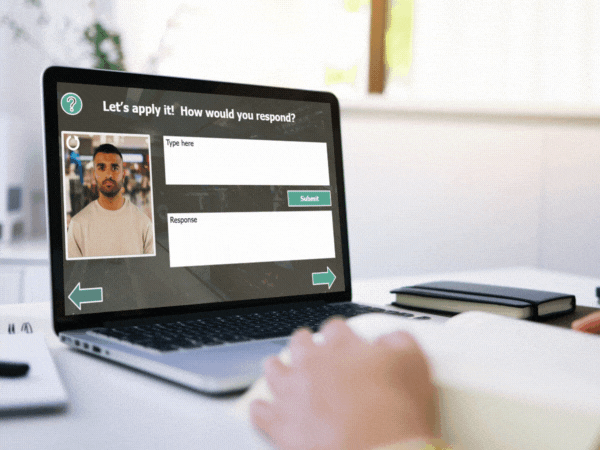
A learner sits at a white desk with a book open and a laptop in front of them. On the screen is a slide from a Storyline 360 project where ChatGPT acts as a simulated angry customer. The interface shows a video of a serious-looking man on the left labeled as the customer, a text box labeled “Type here” for the learner to input their response, and a “Response” area below where ChatGPT provides real-time feedback. The screen reads, “Let’s apply it! How would you respond?” Navigation arrows and a green "Submit" button are visible.
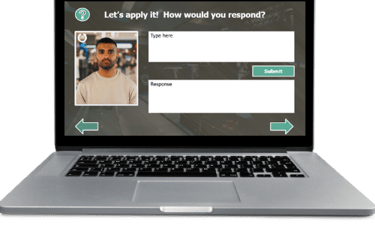
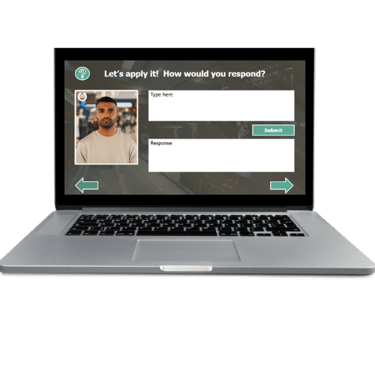
A laptop computer shows the Project image. On the screen is a slide from a Storyline 360 project where ChatGPT acts as a simulated angry customer. The interface shows a video of a serious-looking man on the left labeled as the customer, a text box labeled “Type here” for the learner to input their response, and a “Response” area below where ChatGPT provides real-time feedback. The screen reads, “Let’s apply it! How would you respond?” Navigation arrows and a green "Submit" button are visible.
Which type of scenario-based learning is most effective?
Compare this e-learning experience with a traditional static scenario-based learning activity I created. After learning the fundamentals, which activity do you think better promotes transfer of learning and helps customer service staff retain the most skills?
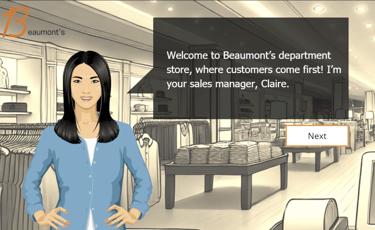
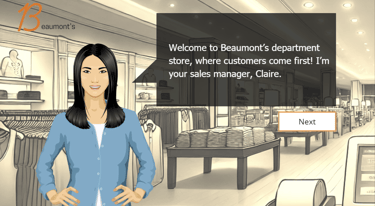
A female sales manager named Claire stands in a department store with folded clothes and mannequins in the background. She has long black hair and wears a light blue cardigan. A speech bubble beside her says, “Welcome to Beaumont’s department store, where customers come first! I’m your sales manager, Claire.” A white button labeled “Next” appears below the dialogue box. In the upper left corner an image of "Beaumonts" reflects store branding.
Objectives of this e-learning course include that learners will be able to:
Identify common causes of roommate conflict as identified in a case study analysis with 80% accuracy
Apply appropriate conflict resolution strategies in a scenario-based learning activity.
Distinguish active listening skills from poor listening skills as demonstrated on a case-study analysis with 80% accuracy
Analyze responses to conflict in a case-study analysis as demonstrated in a case-study analysis with 80% accuracy.
*The Next button is intentionally enabled in this demo to support easy previewing. In a full LMS deployment, standard bookmarking would allow learners to return to their last visited screen, so player navigation would normally be hidden.
Communication, Compromise, and Negotiation
This Storyline 360 project is part of a second module in a Rise Course, Roommate Survival 101: Navigating Conflicts with Ease. The target audience is University of Alabama students living in on-campus housing. I used the University of Alabama branding, approved colors, and images for this instructional course. Complex triggers and variables allow the learner to navigate at their own pace. Multimedia elements including videos and narration were designed for accessibility.
Conflict Resolution Techniques
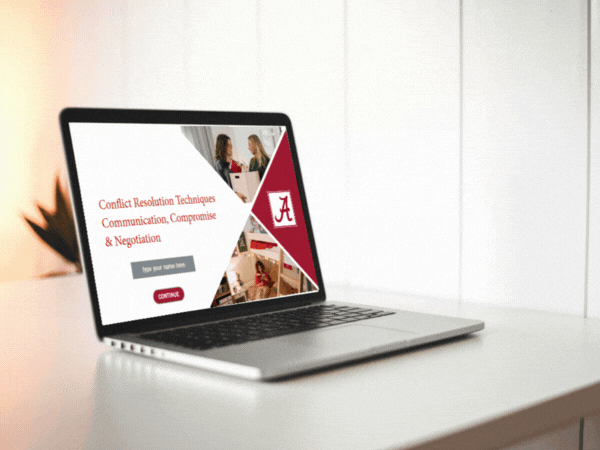
A laptop sits on a white desk displaying the opening slide of a Storyline 360 e-learning module titled Conflict Resolution Techniques: Communication, Compromise & Negotiation. The slide includes a red University of Alabama “A” logo, clean red-and-white branding, and three photographic images of students in dormitory settings resolving conflict. A text field prompts users to “type your name here,” and a maroon button labeled “CONTINUE” appears below.
Gamification
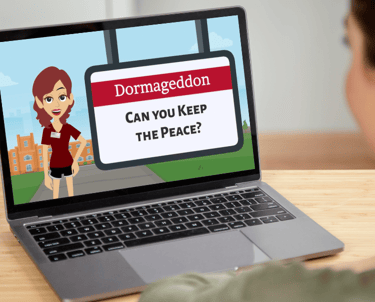
Dormageddon: A Scenario-Based eLearning Game
Dormageddon is an interactive eLearning lesson designed to help undergraduate students navigate common roommate conflicts. Set within the Roommate Survival 101: Navigating Conflicts with Ease course, this scenario-based game immerses learners in realistic situations where they must apply effective communication, negotiation, and conflict resolution strategies. Through engaging animations, branching scenarios, and gamified elements, students practice resolving disputes in a risk-free environment, enhancing their interpersonal skills for on-campus living.
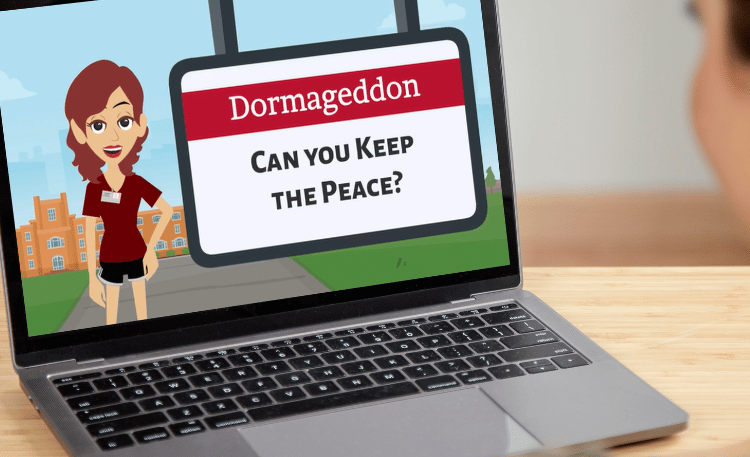
The image shows a close-up of a person sitting at a desk, viewing a laptop. On the screen is the opening slide of the gamified e-learning project titled “Dormageddon: Can You Keep the Peace?” developed in Storyline 360. A cartoon-style resident assistant (RA) character stands confidently in front of a campus scene with red-brick dorm buildings and a blue sky. She appears beside a large campus sign that displays the game’s title in red and black bold lettering. The scene sets a light, playful tone for a branching scenario simulation focused on managing conflict in a shared dorm environment. The project uses gamification to teach active listening, boundary-setting, and collaborative problem-solving among college roommates.
The image shows a close-up of a person sitting at a desk, viewing a laptop. On the screen is the opening slide of the gamified e-learning project titled “Dormageddon: Can You Keep the Peace?” developed in Storyline 360. A cartoon-style resident assistant (RA) character stands confidently in front of a campus scene with red-brick dorm buildings and a blue sky. She appears beside a large campus sign that displays the game’s title in red and black bold lettering. The scene sets a light, playful tone for a branching scenario simulation focused on managing conflict in a shared dorm environment. The project uses gamification to teach active listening, boundary-setting, and collaborative problem-solving among college roommates.
See also...
Check out some of my other projects.

Storyline 360 Projects
Storyline 360 with ChatGPT
E-learning Courses
Multimedia
Visual Aids
Project Planning
Home Page
Resumé
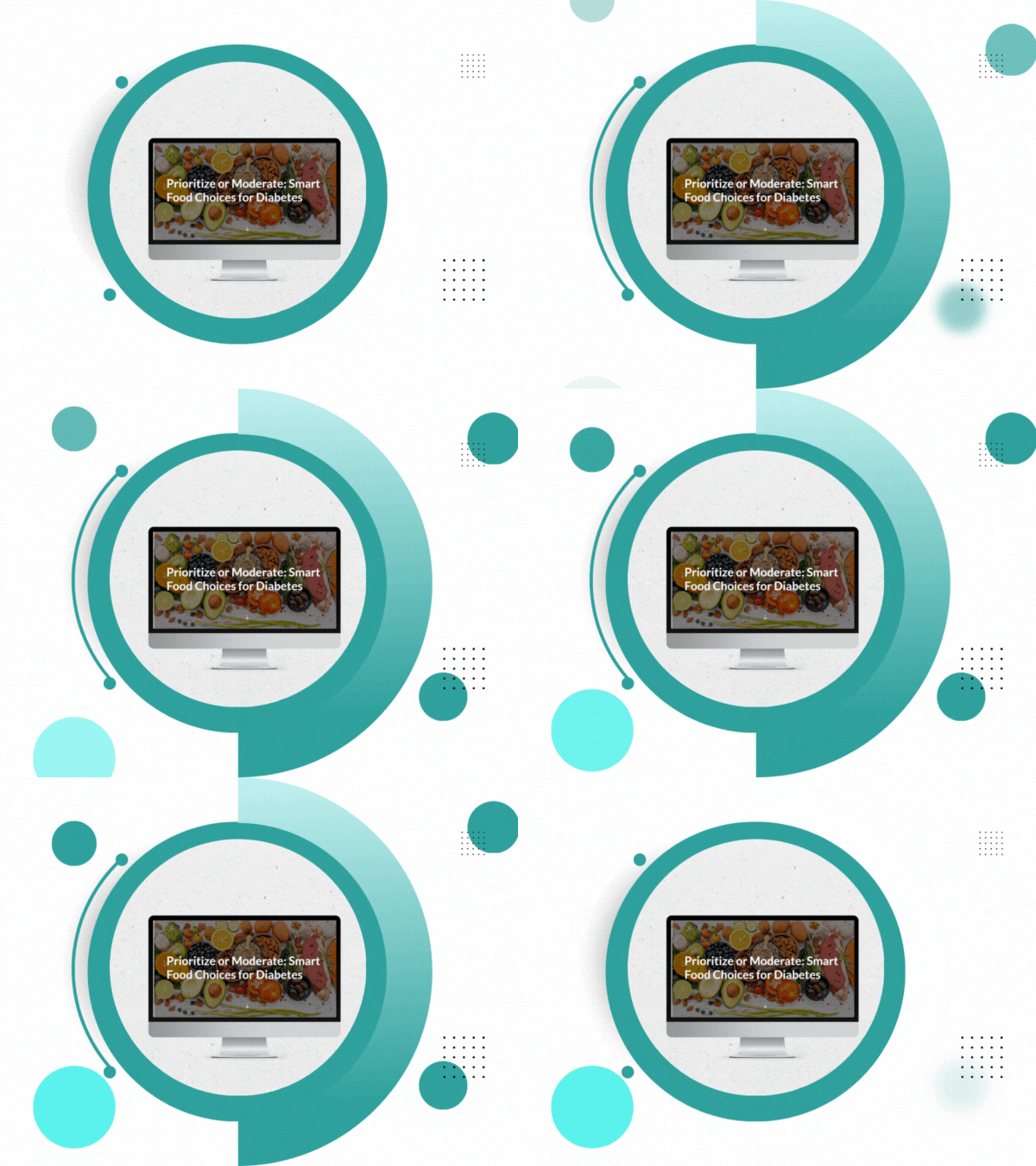
Image of Food Choices for Diabetics project on a monitor surrounded by animated circular graphics
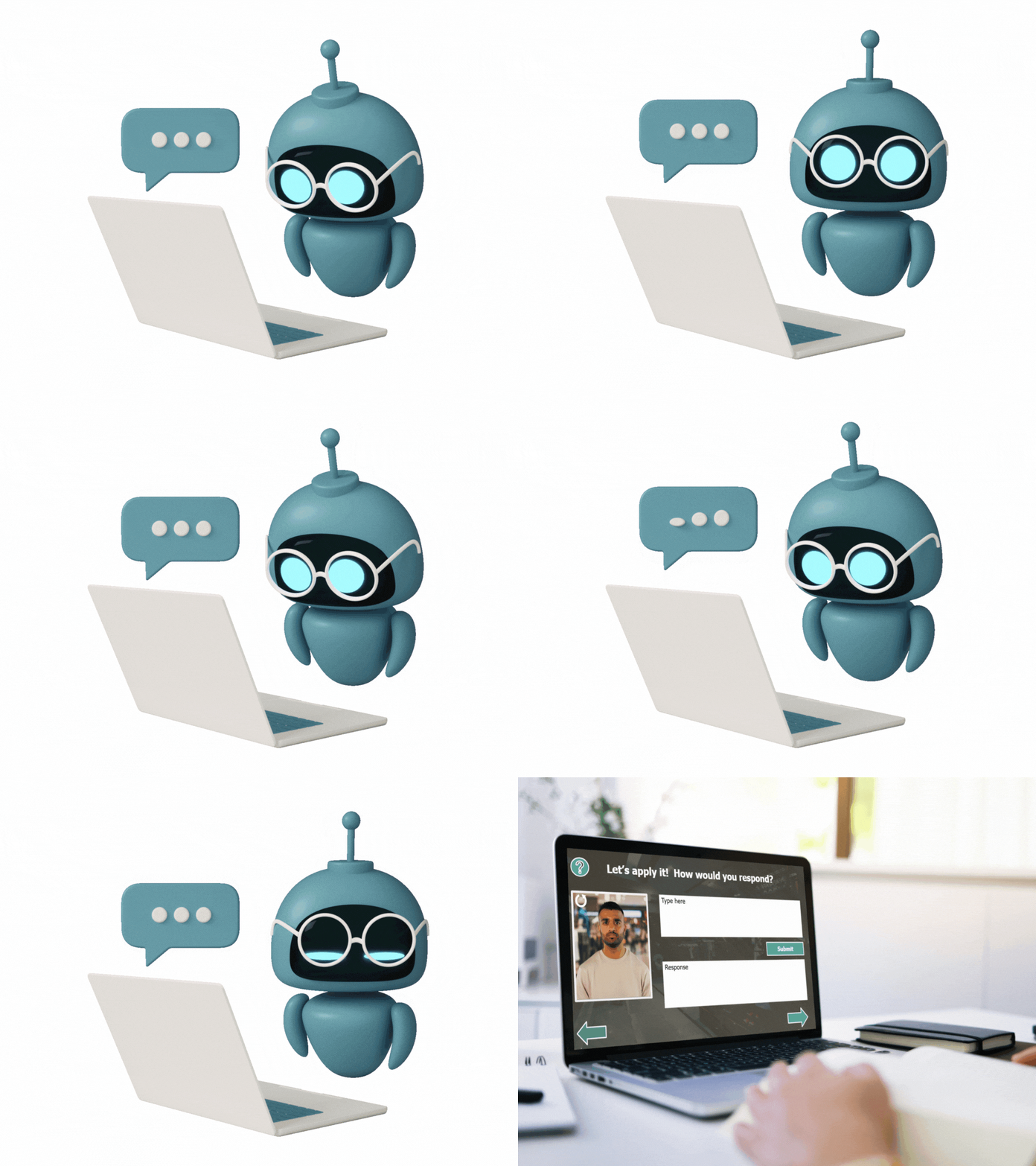
Gif image. A floating robot looks at a computer and back at the camera. Scene changes to Handling Customer complaints on a lap top on a desk while a person types on the computer.
A laptop on a table with a white background is playing the video Keller's ARCS theory. Circle graphics slowly float on the right of the image.
Image of project on a lap top sitting on a desk with a white background.
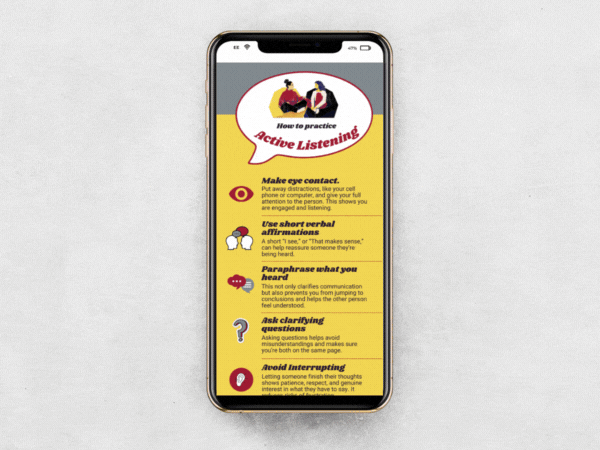
Active listening infographic displayed on a cell phone. A speech bubble is at the top showing illustration of two women talking.
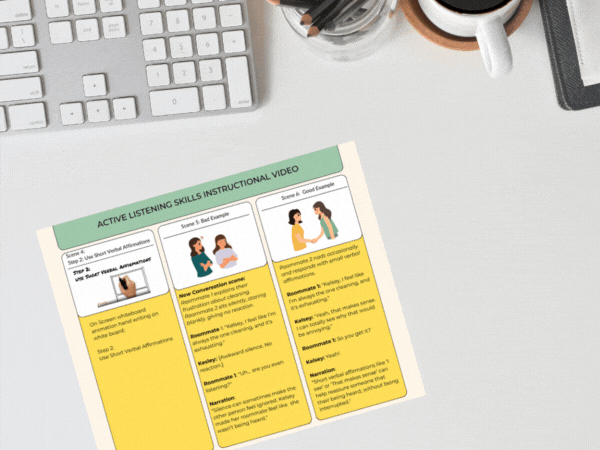
Colorful storyboard for Active Listening Video is on a desk.
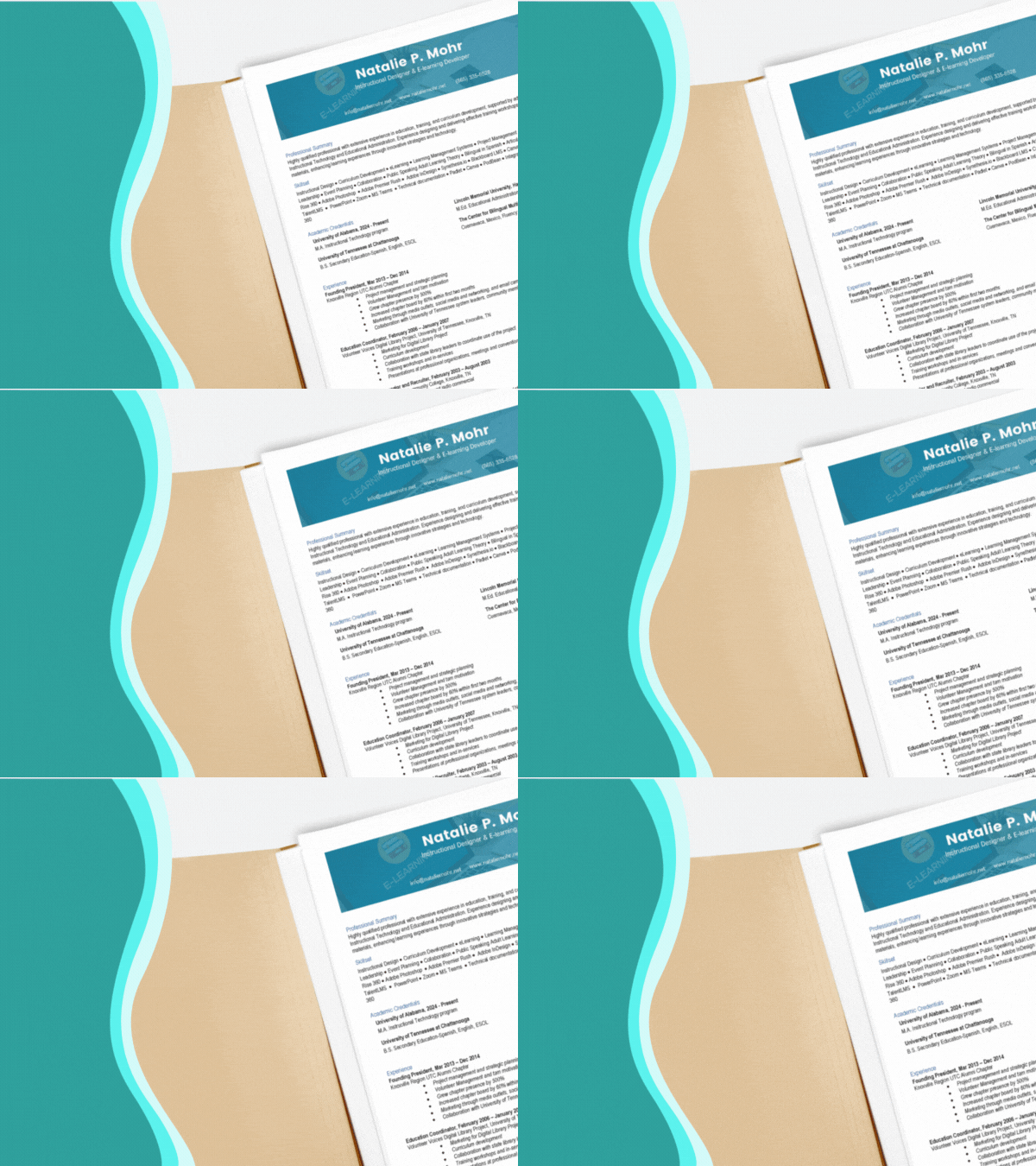
Panning image of Natalie P Mohr's resume in an open file folder.
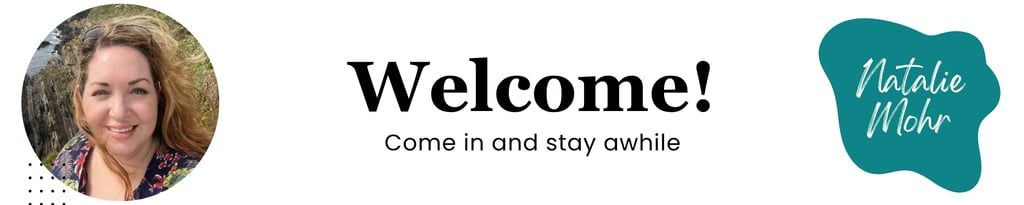
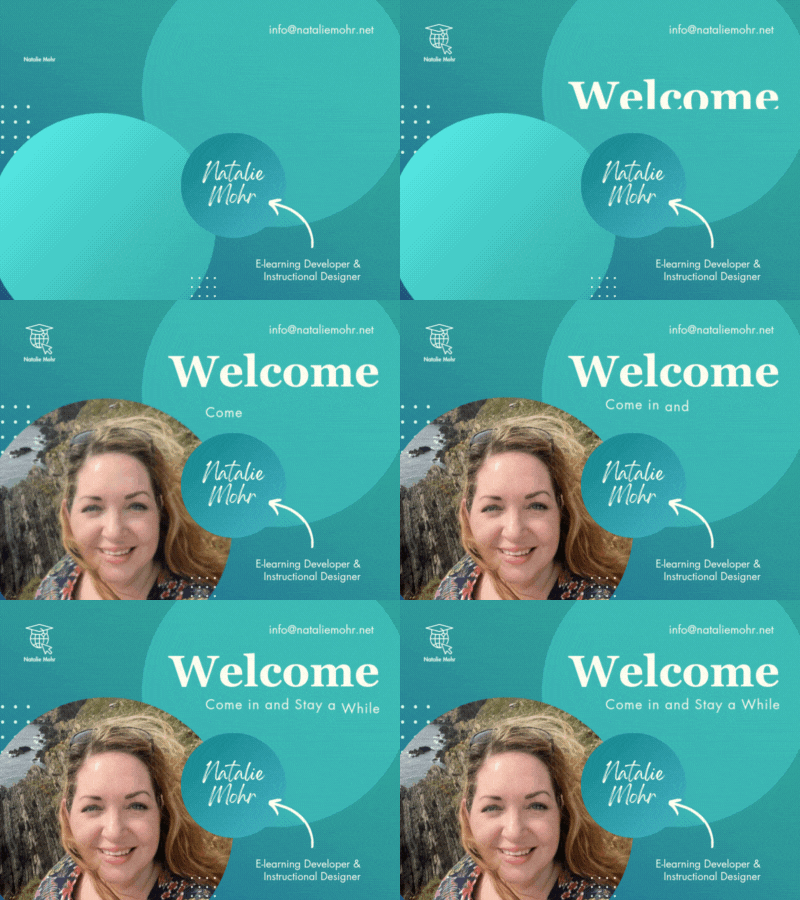
Home page image showing Natalie Mohr in a circle at the ocean with a rocky cliff. Pictured in Polperro, Uk. Welcome. Come and Stay a While. Natalie Mohr
Take a look at some of my favorite tools.
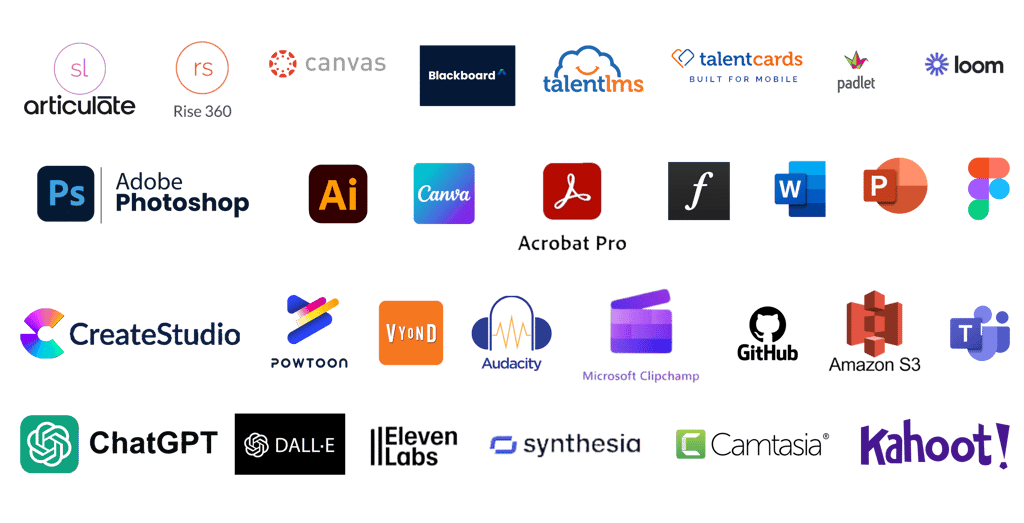
Articulate 360, Articulate Rise, Canvas, Blackboard LMS, TalentLMS, TalentCards Mobile LMS, Padlet, Loom, Adobe Photoshop, Adobe Illustrator, Canva, Adobe Acrobat Pro, Adobe Fonts, Microsoft Word, PowerPoint, Figma, Create Studio, Powtoons, Vyond, Audacity, Microsoft Clipchamp, GitHub, Amazon S3, Microsoft Teams, ChatGPT, Dall-E, Eleven Labs, Synthesia, Camtasia, Kahoot
Accessibility Information
I’m committed to making this website accessible to all users.
Here are a few ways accessibility has been considered:
Hidden text is included for screen readers and SEO when graphic elements contain meaningful content.
High-contrast colors, readable fonts, and scalable layouts are used to support visual clarity.
Images include descriptive text where appropriate.
If you encounter any issues accessing content, or if you’d like an alternative version of a project or section, feel free to contact me.


A white computer keyboard shows a blue button with a wheel chair icon that says "Access"
info@nataliemohr.net
This site is optimized for accessibility. Select all or use a screen reader to view hidden text where applicable. Click here for more information.
Looking for an e-learning developer to transform your training? Let’s talk!
© 2025 Natalie Mohr Instructional Designs. All rights reserved.
All instructional content, simulations, voiceovers, and visuals presented in these projects are the intellectual property of Natalie Mohr. No part of these materials may be copied, distributed, shared, or republished, whether in whole or in part, without express written permission.
If you wish to use any portion of this content in an educational or training setting, please contact: info@nataliemohr.net. Permission is granted on a case-by-case basis.
Some projects collect visitor IP addresses for security and misuse prevention.
For more information, please visit my USAGE POLICY.
Have a question about me or my services?
Feel free to click on the chat icon to ask my AI assistant.